> For the complete documentation index, see [llms.txt](https://docs.gcbex.com/llms.txt). Markdown versions of documentation pages are available by appending `.md` to page URLs; this page is available as [Markdown](https://docs.gcbex.com/ar/documentation/user-guide/boarding.md).
# Boarding
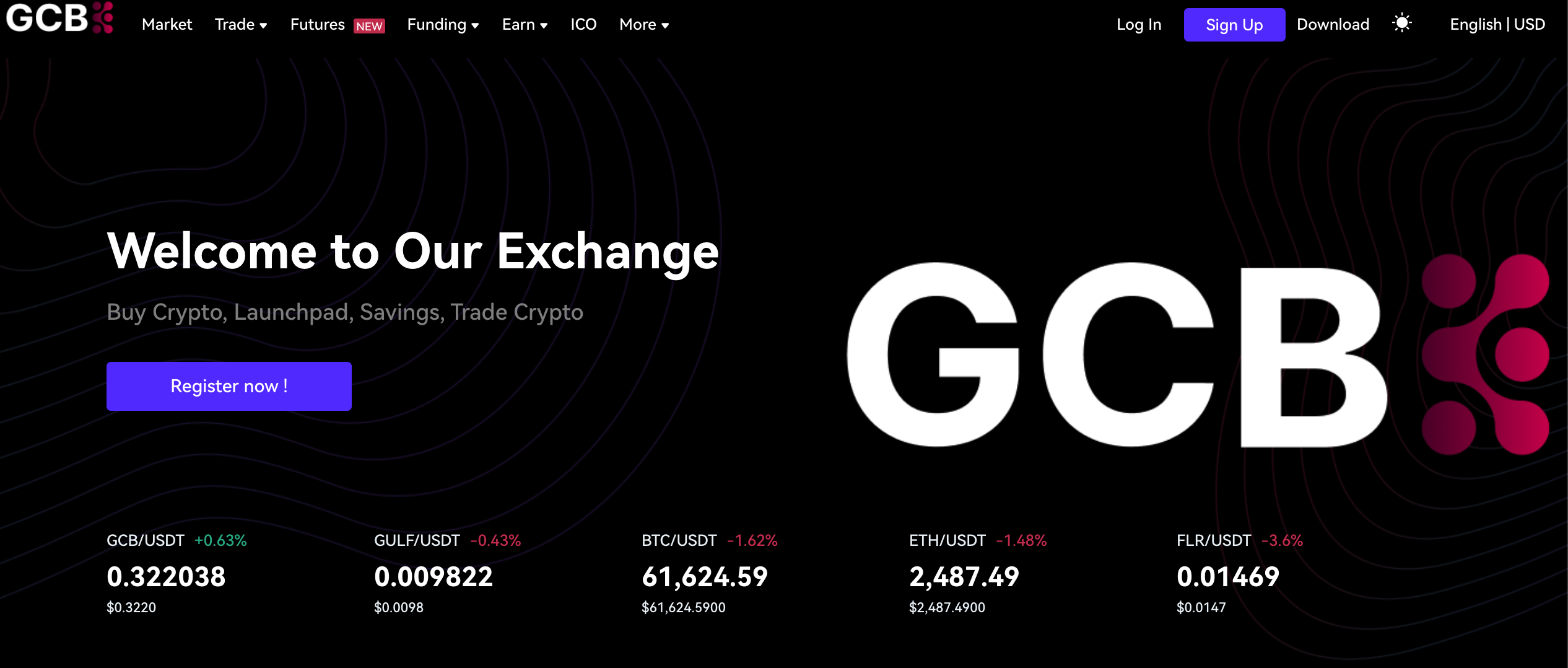
### **Visit Our Exchange Website**:
Go to our official exchange website: [https://www.gcbex.com](https://www.gcbex.com/en_US/register)
#### **Click on “Register”:**
* On the homepage, look for the “Register now!” button.
* Click it to begin the registration process.
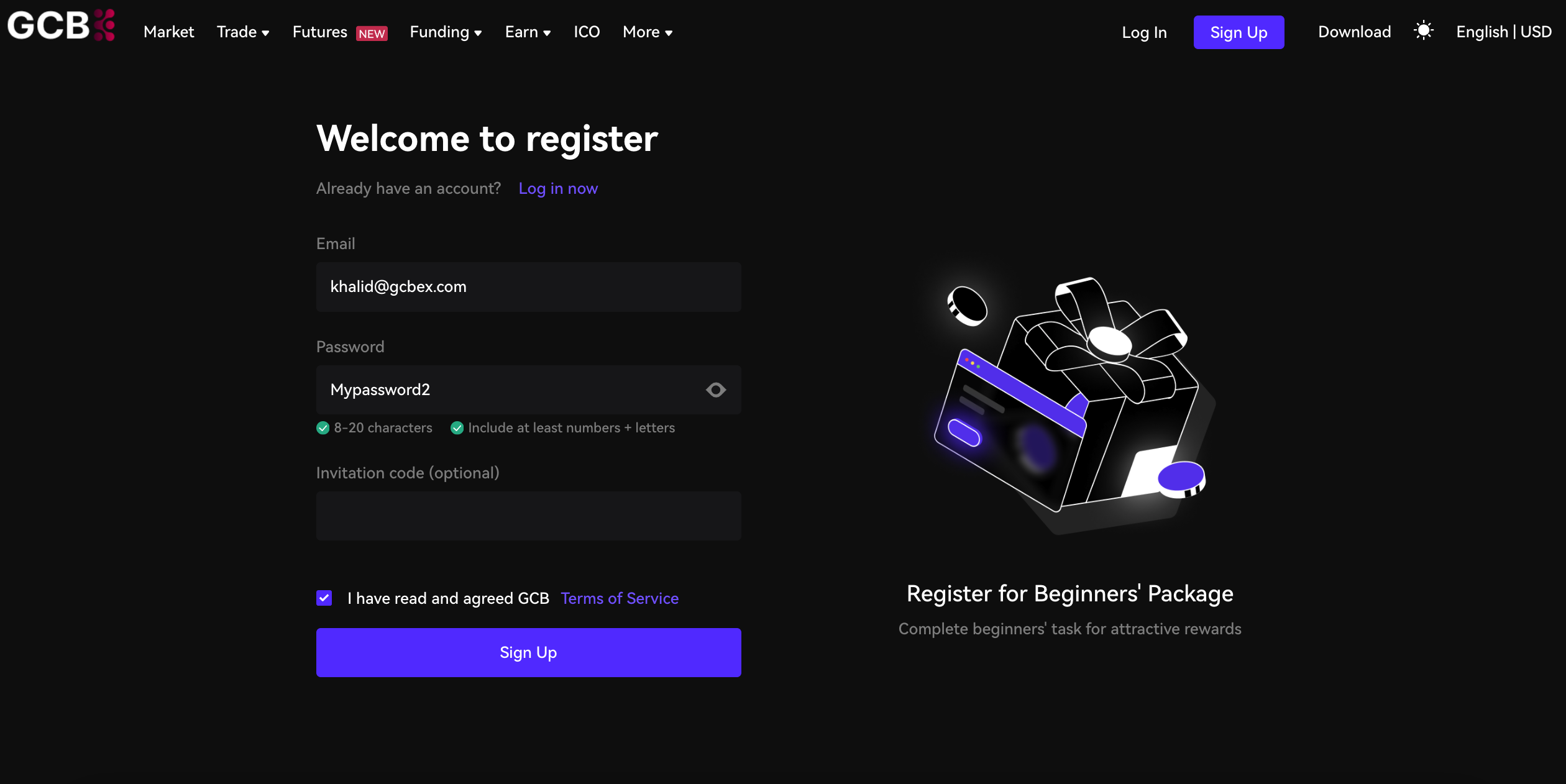
### **Provide Required Information:**
* Fill in your email address.
* Create a secure password for your account.
#### **Complete Identity Verification**:.
* Follow the instructions to verify your identity.
[How To KYC](/ar/documentation/user-guide/how-to-kyc.md)
#### **Confirm Your Registration**:
* Once you’ve provided all the required information, confirm your registration.
* You’ll receive a confirmation email in your inbox.
* please head to your registered email inbox and copy paste the code you received.
#### **Log In to Your New Account**:
* Use your registered credentials to log in to your account.
* Explore the exchange platform and get started!
Remember to keep your login details secure and enable two-factor authentication (2FA) for added security.